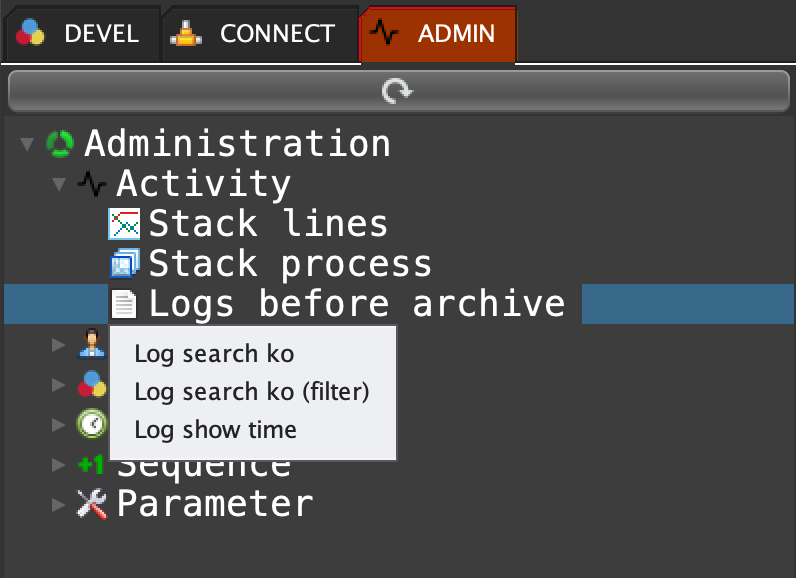
Click on the ADMIN tab, open 'Activity', double click on 'Logs before archive' ...
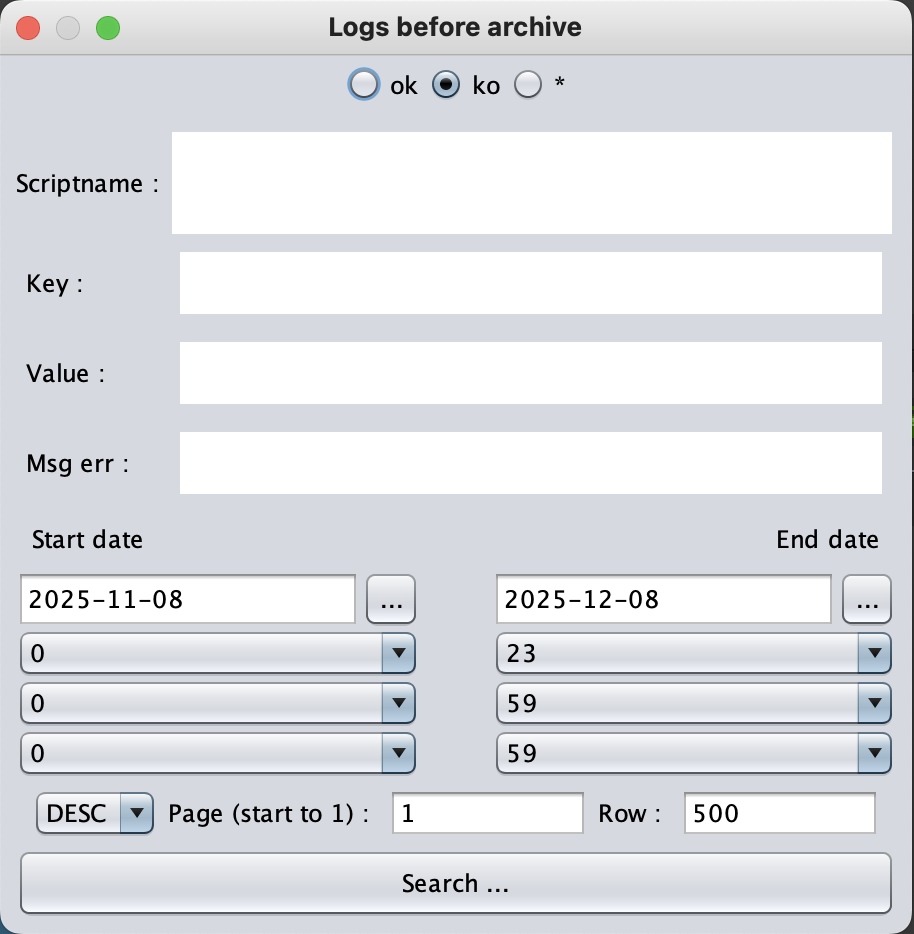
Enter your filters and click on search button :
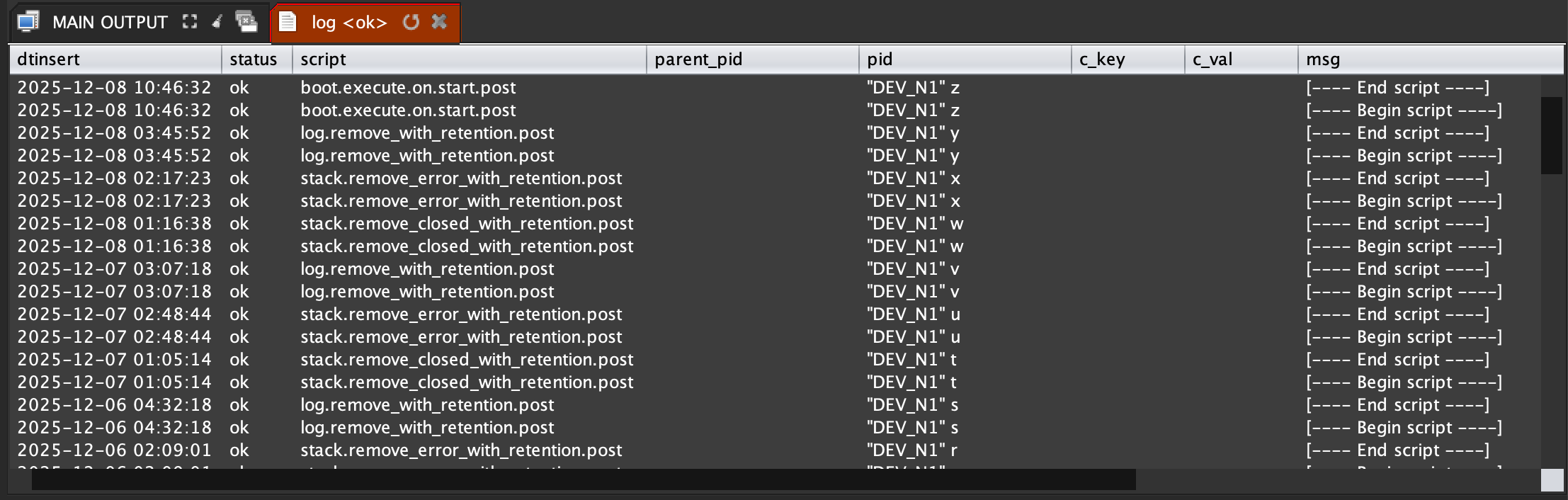
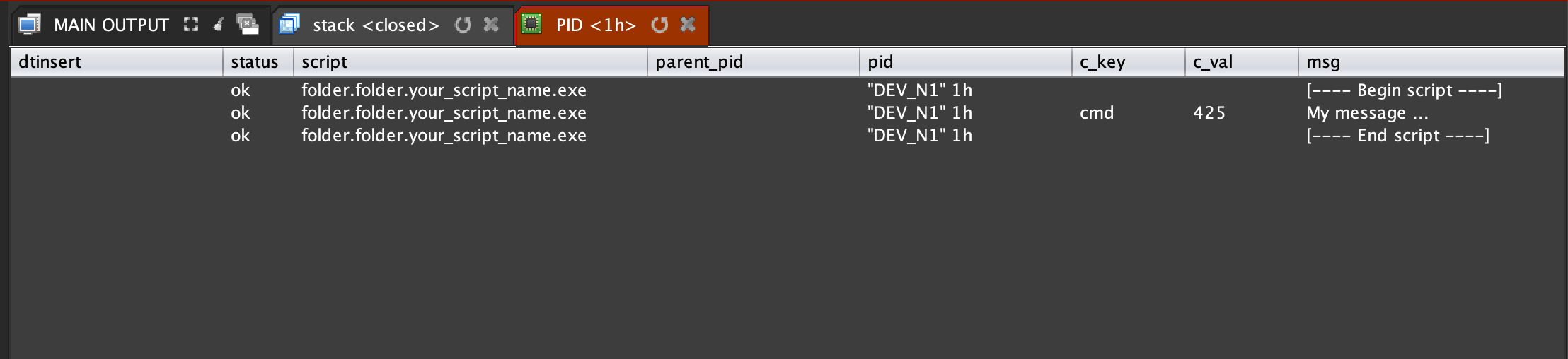
Right click on a process id and select PID ...
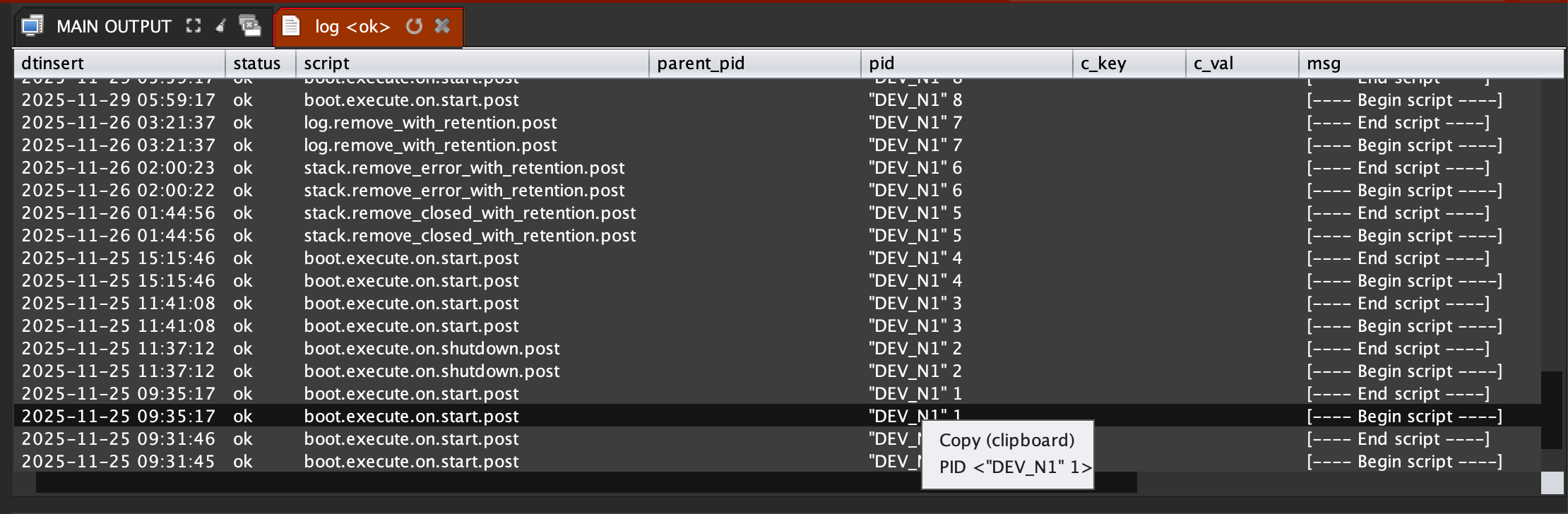
You can see all logs from the selected business process ...
To get the command lines right click on 'Logs before archive', and choose 'Log search ko', 'Log search ko (filter)' or 'Log show time' ...
in out_editor { log search "ko" "" "" "" "" (date datedifft (concat (date sysdate) " 00:00:00") "DAY" 30) (concat (date sysdate) " 23:59:59") ASC 1 500; }
in out_editor { log search "ko" "scriptNameFilter" "keyFilter" "valFilter" "msgerrorFilter" (date datedifft (concat (date sysdate) " 00:00:00") "DAY" 30) (concat (date sysdate) " 23:59:59") ASC 1 500; }
in out_editor { log show_time DEV_N1 1; }
 INNOV-AI