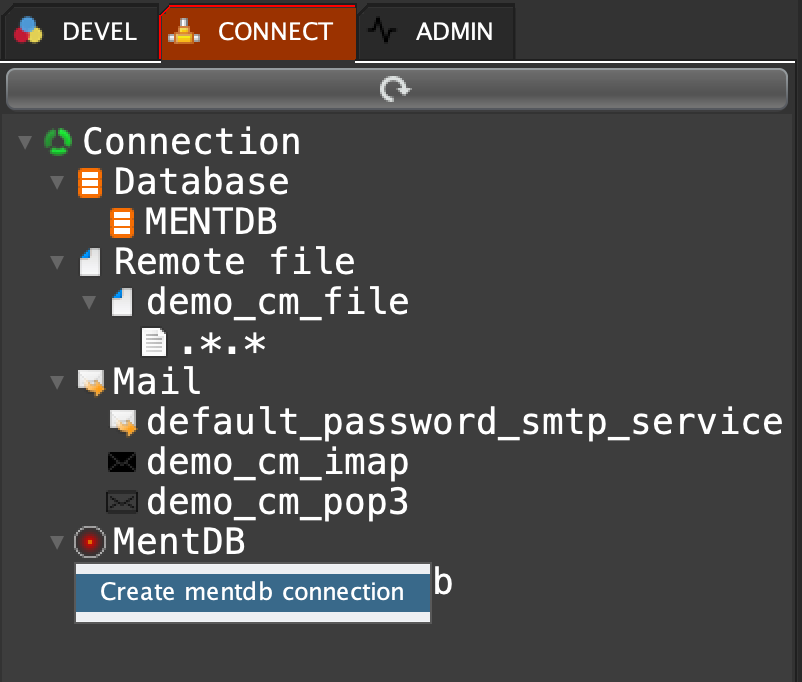
Click on 'CONNECT' tab, right click on 'MentDB' and select 'Create mentdb connection'
cm set "demo_cm_mentdb" {execute "mentdb.remote.config.get" "[hostname]" "localhost" "[port]" "9998" "[key]" "pwd" "[user]" "admin" "[password]" "pwd" "[connectTimeout]" "10000" "[readTimeout]" "30000" "[subTunnels]" (mql { tunnel execute_hot "tunnelId1" {cm get "demo_cm_mentdb";} (mql { tunnel execute_hot "tunnelId2" {cm get "demo_cm_mentdb";} (mql { [MQL_TO_REPLACE] }); }); }) ;};
"1"Click on refresh button to show into the tree

Click on the refresh button to switch to the MentDB Server...
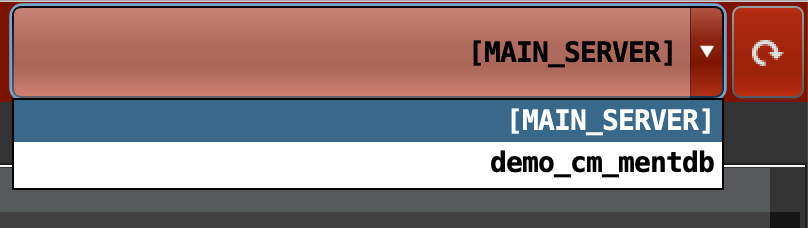
The MentDB Editor switch completely to the selected MentDB Server...
Select '[MAIN SERVER]' to return to the first main MentDB connection (the default connection).
 INNOV-AI